Apps Maintenance
Apps Maintenance can be found in the Admin Center, under Administration. Apps Maintenance can be accessed by a user with the Admin role and View Application Maintenance permission.
Search, Filtering, and Sorting
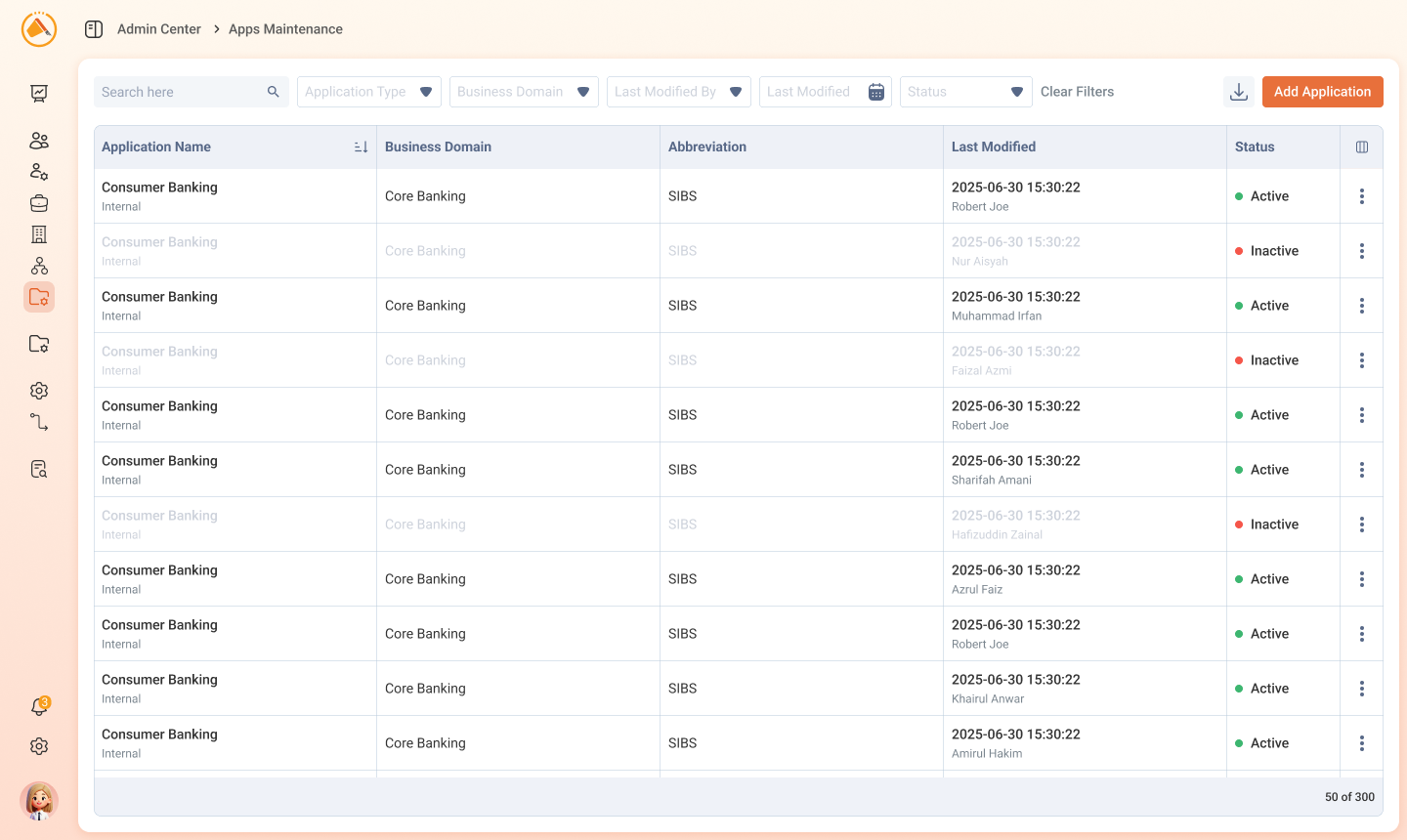
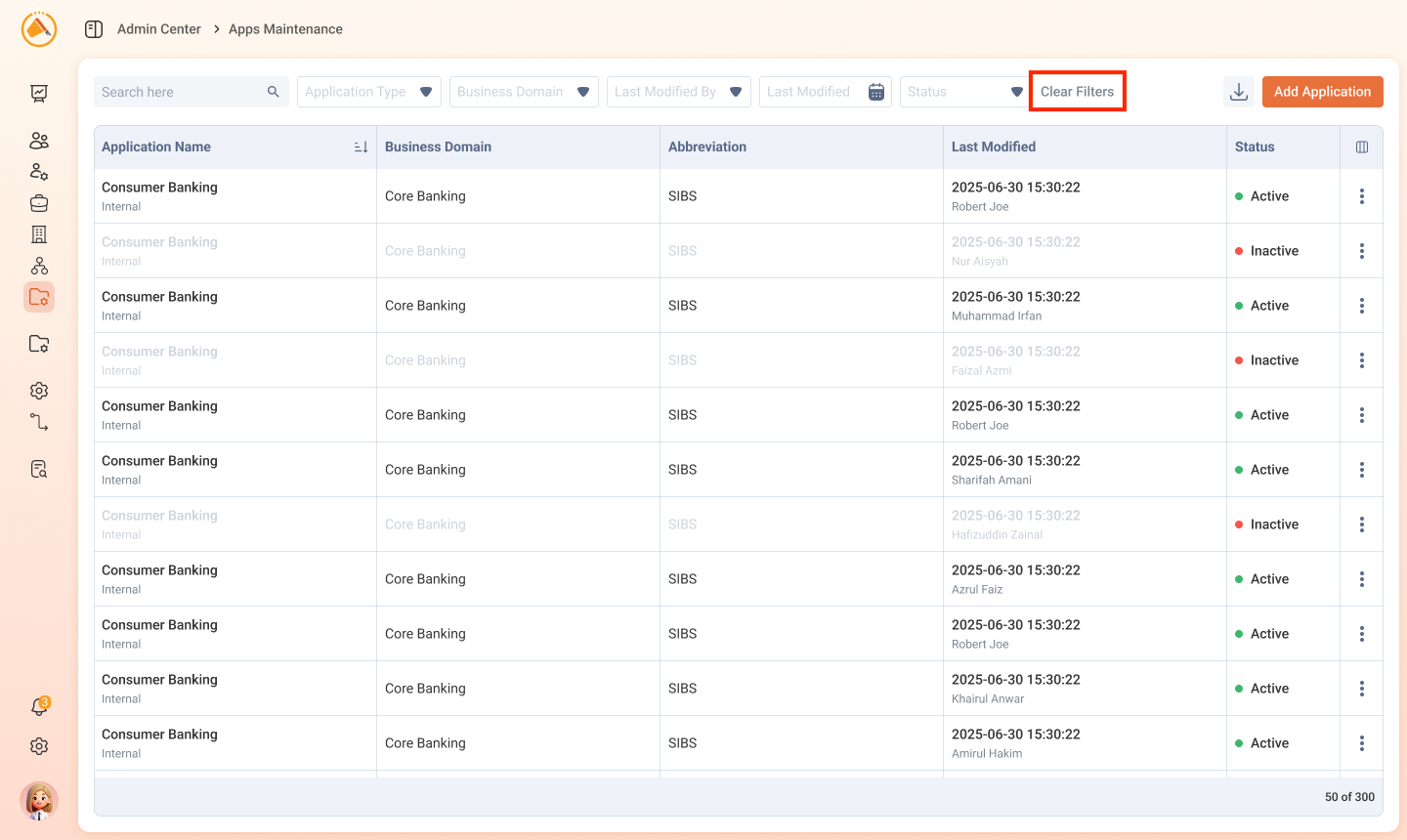
Apps Maintenance features search, filtering, and sorting controls. Users will be able to do keyword-based lookup, filtering based on application type, business domain, last modified by, last modified, and status, and sorting in ascending or descending order.
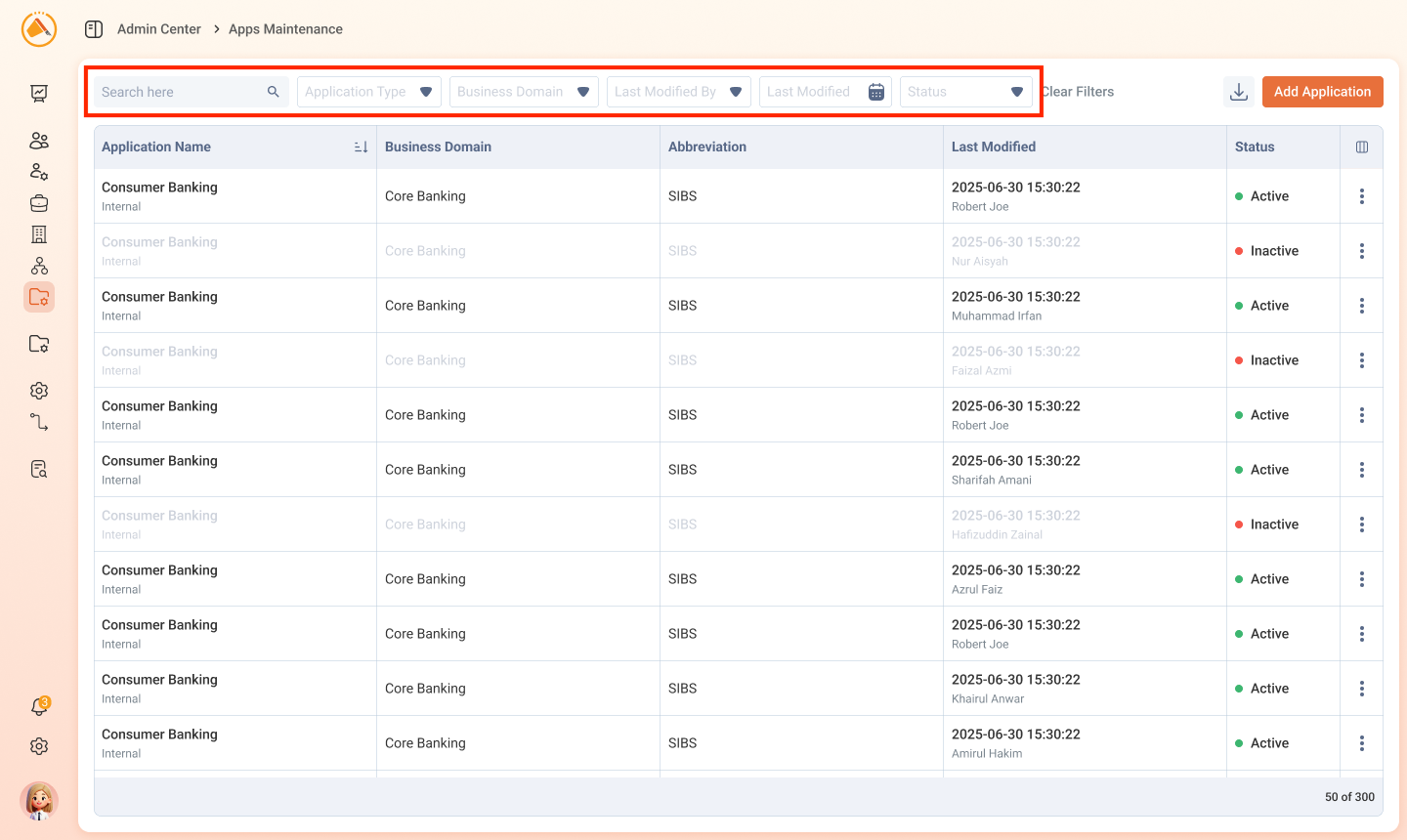
Clear Filters will clear any search done and filters applied.
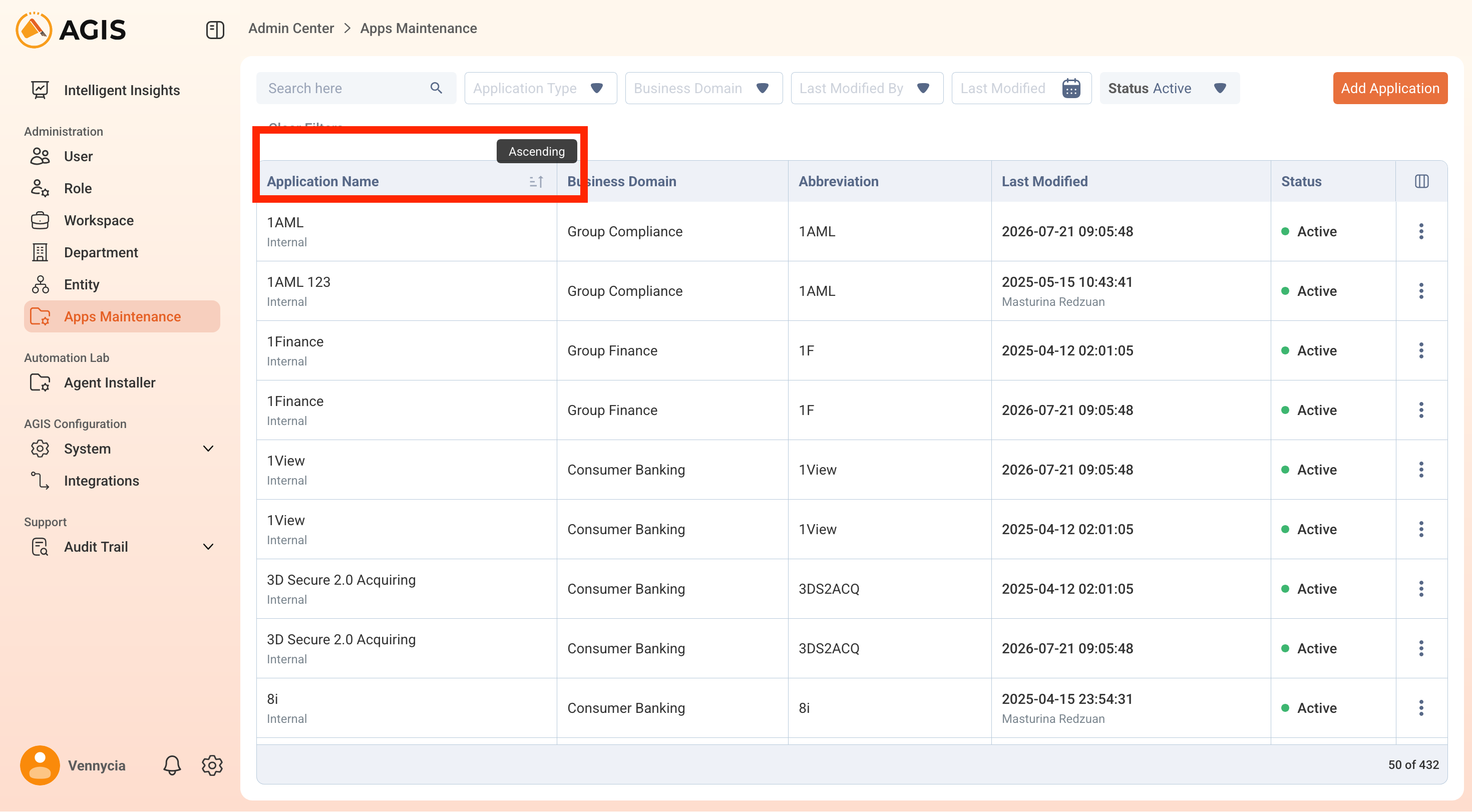
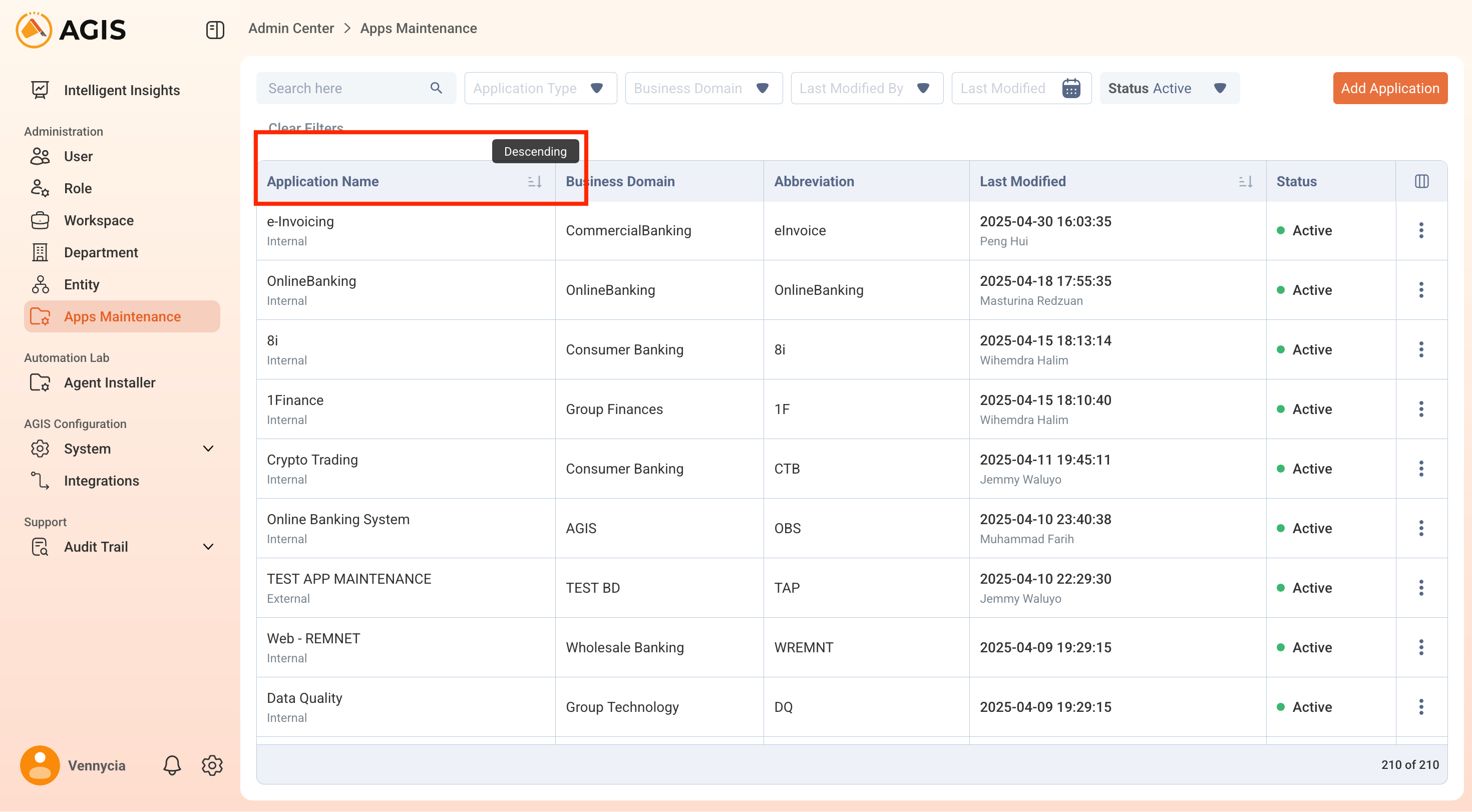
Clicking on the table headers allows for sorting in an ascending or descending order.
View Details
View Details can be accessed by clicking on the three-dots menu of an app regardless of its status. Shows the details of the selected app.
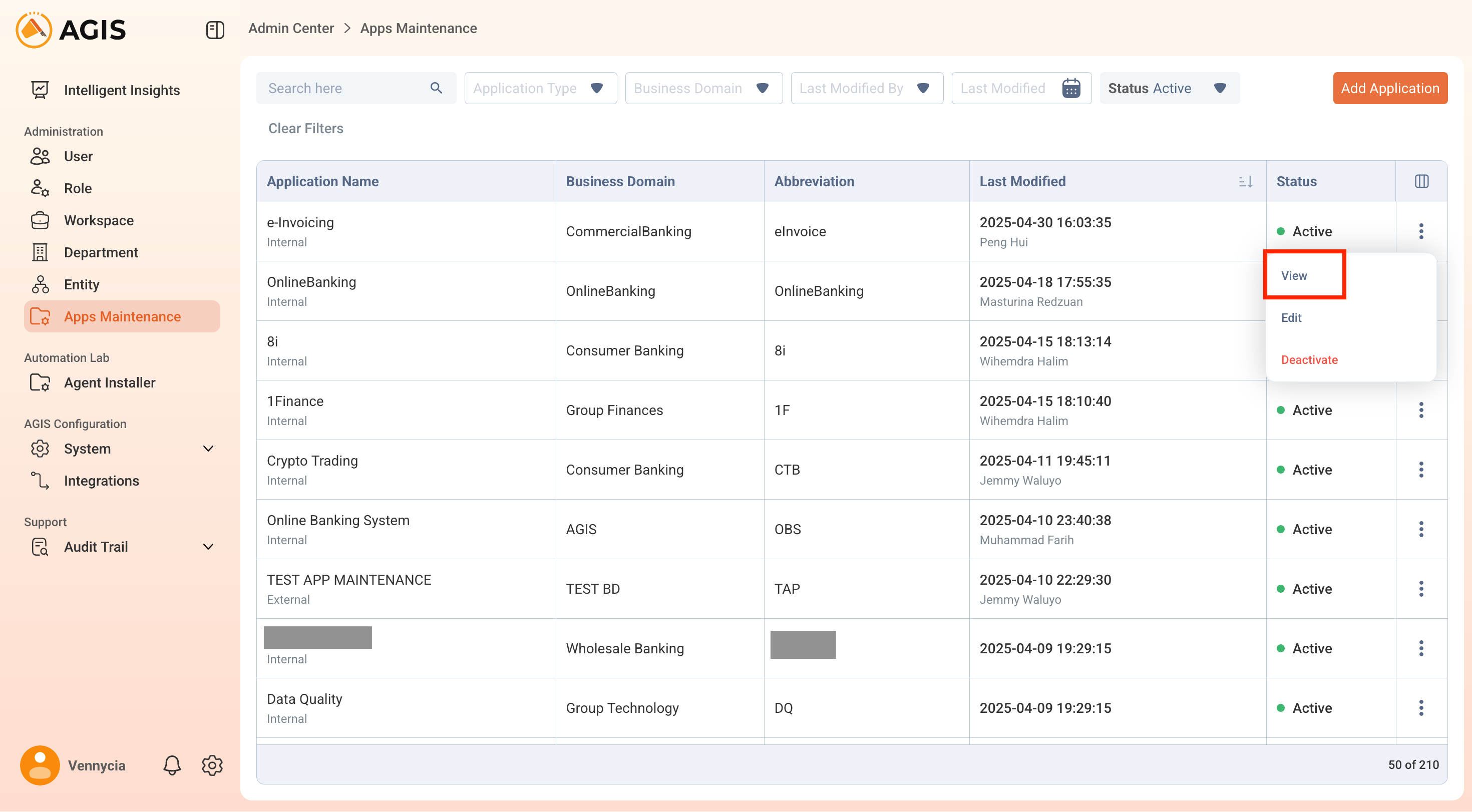
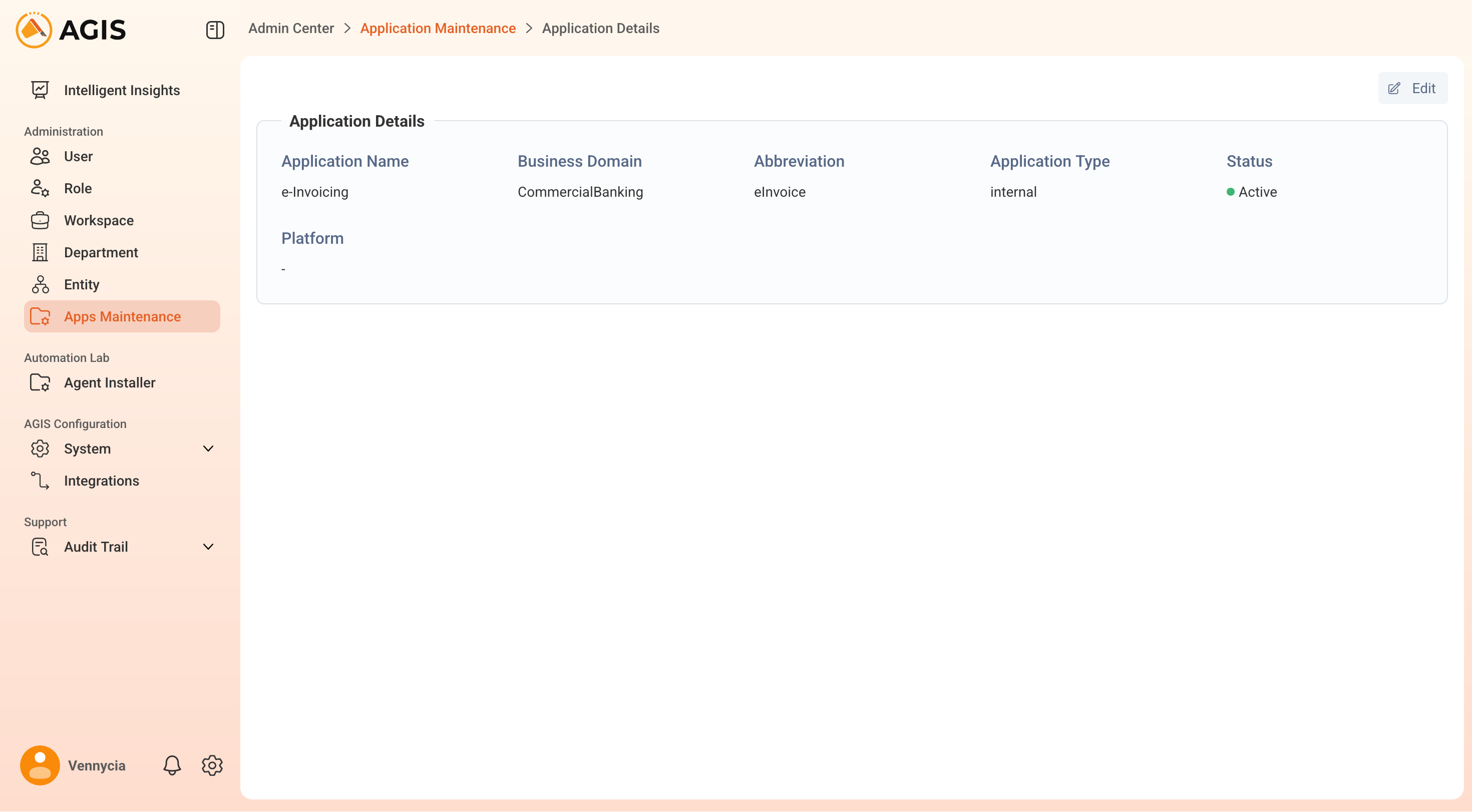
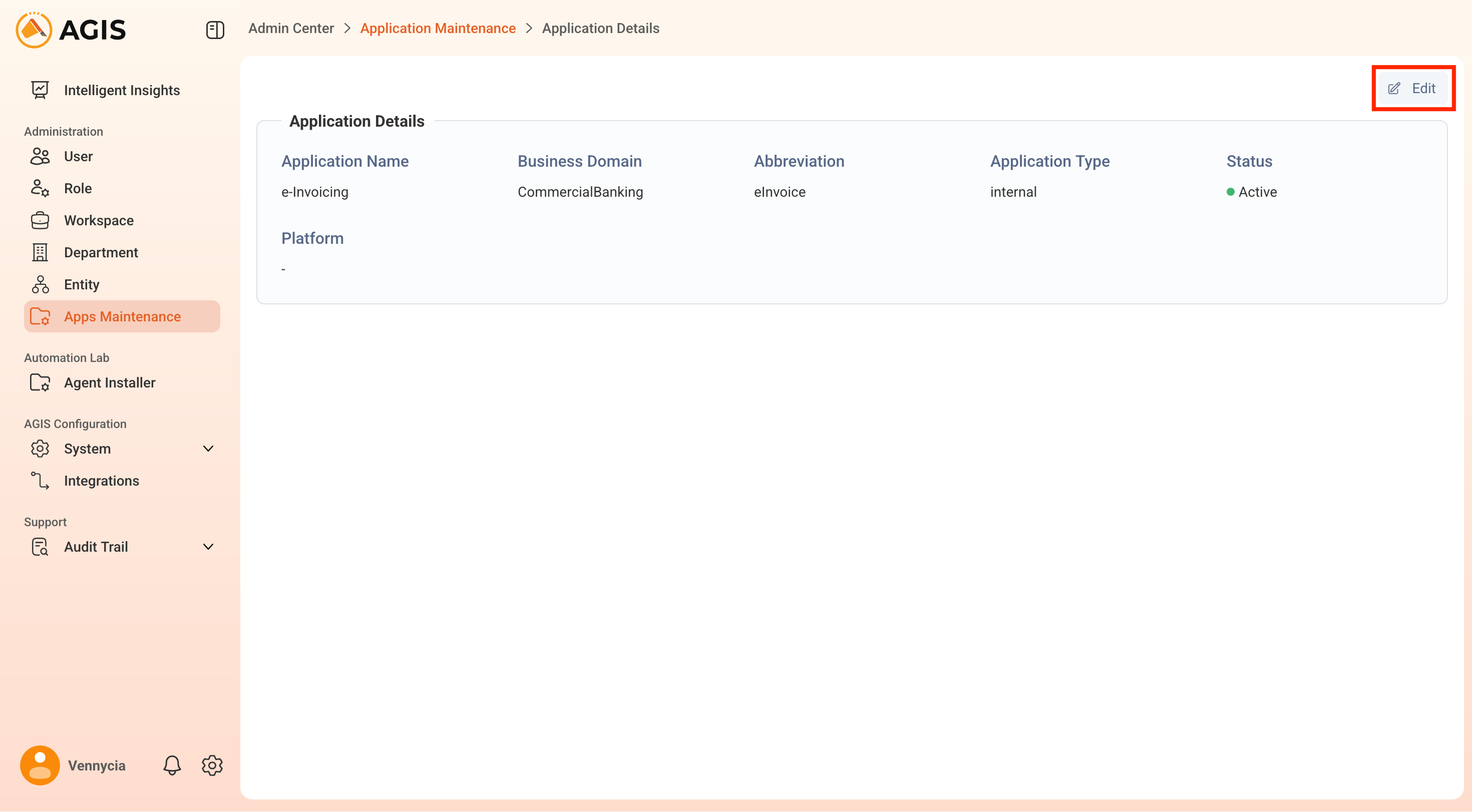
Details of an app can be edited by clicking on the Edit button.
Deactivating an App
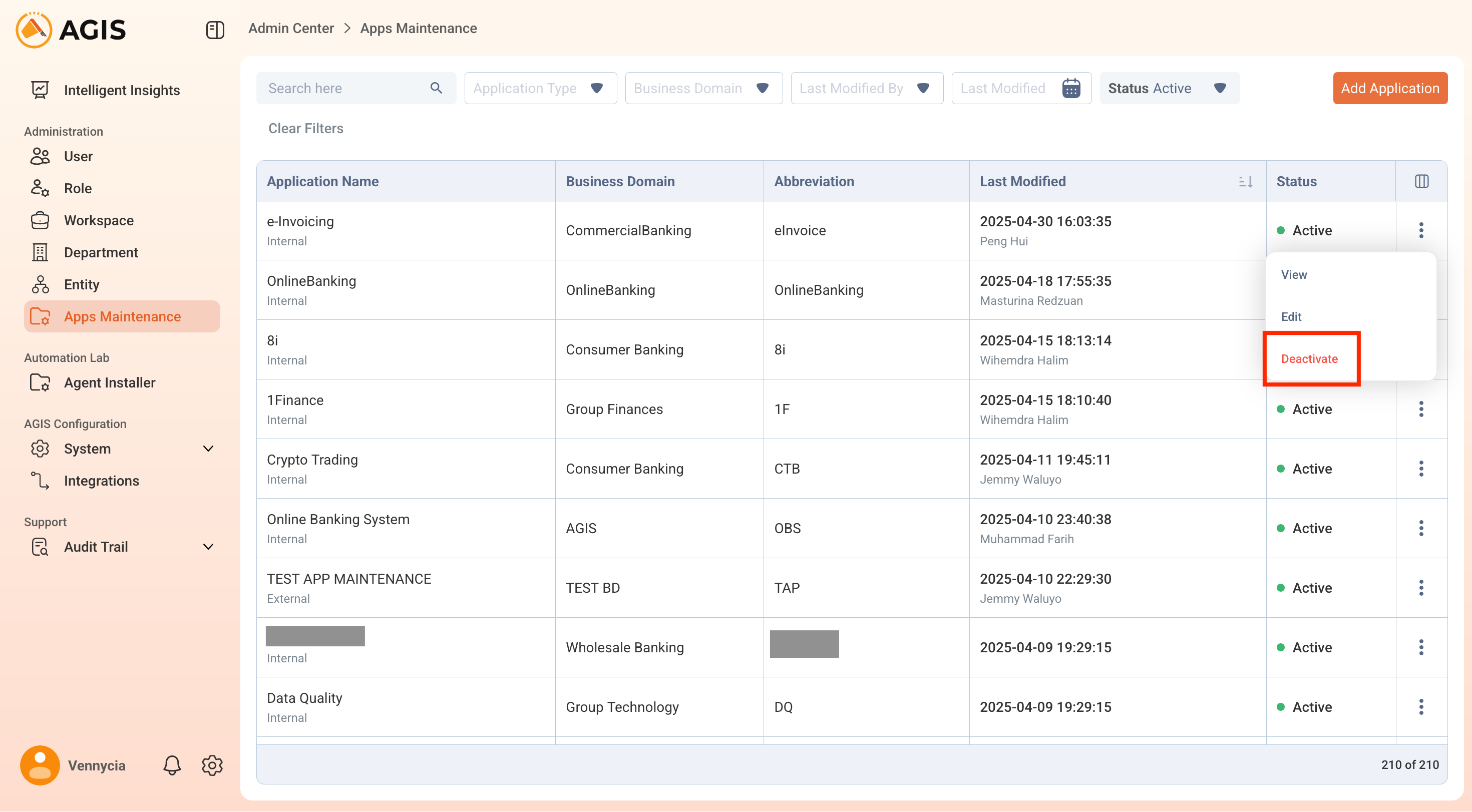
Deactivate can be accessed by clicking on the three-dots menu of an app with the Active status.
Deactivates the selected app.
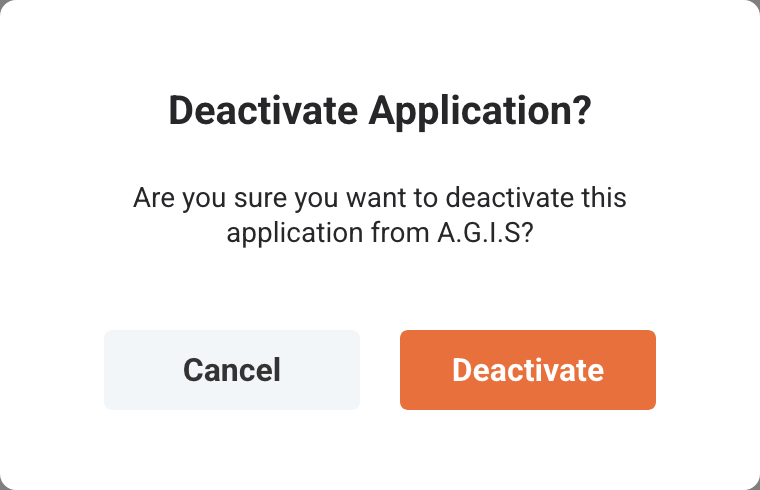
Users will be prompted to confirm their choice.
Activating an App
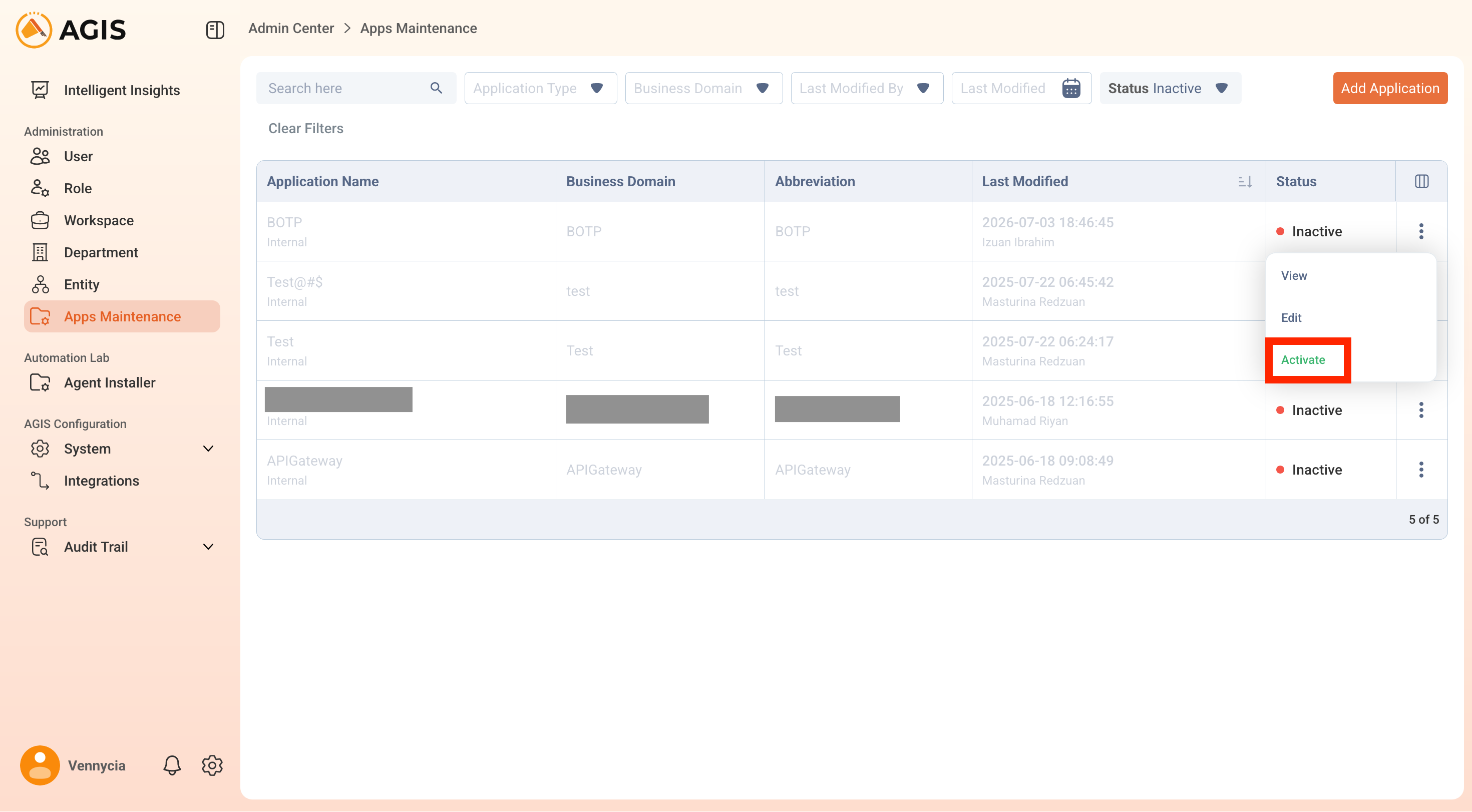
Activate can ba accessed by clicking on the three-dots menu of an app with the Inactive status.
Reactivates a previously deactivated app.
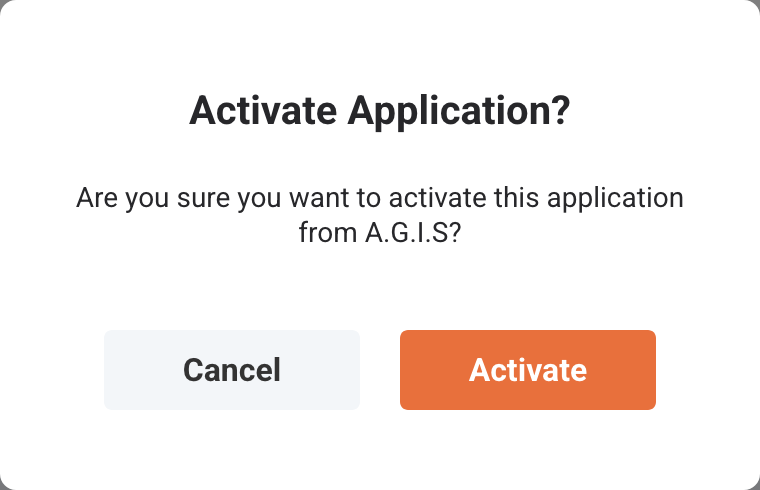
Users will be prompted to confirm their choice.